Vault System Configuration
Define System Configuration
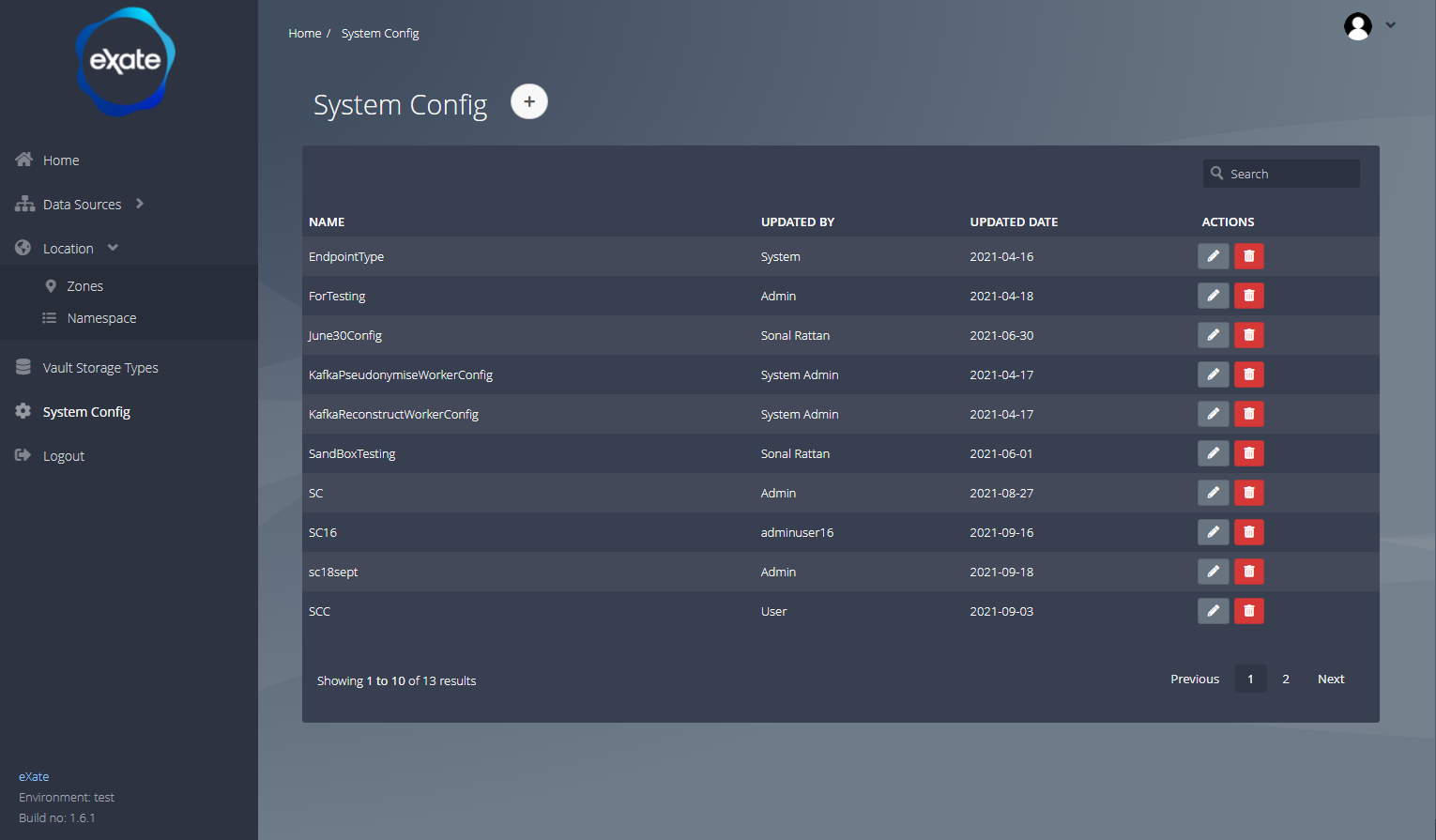
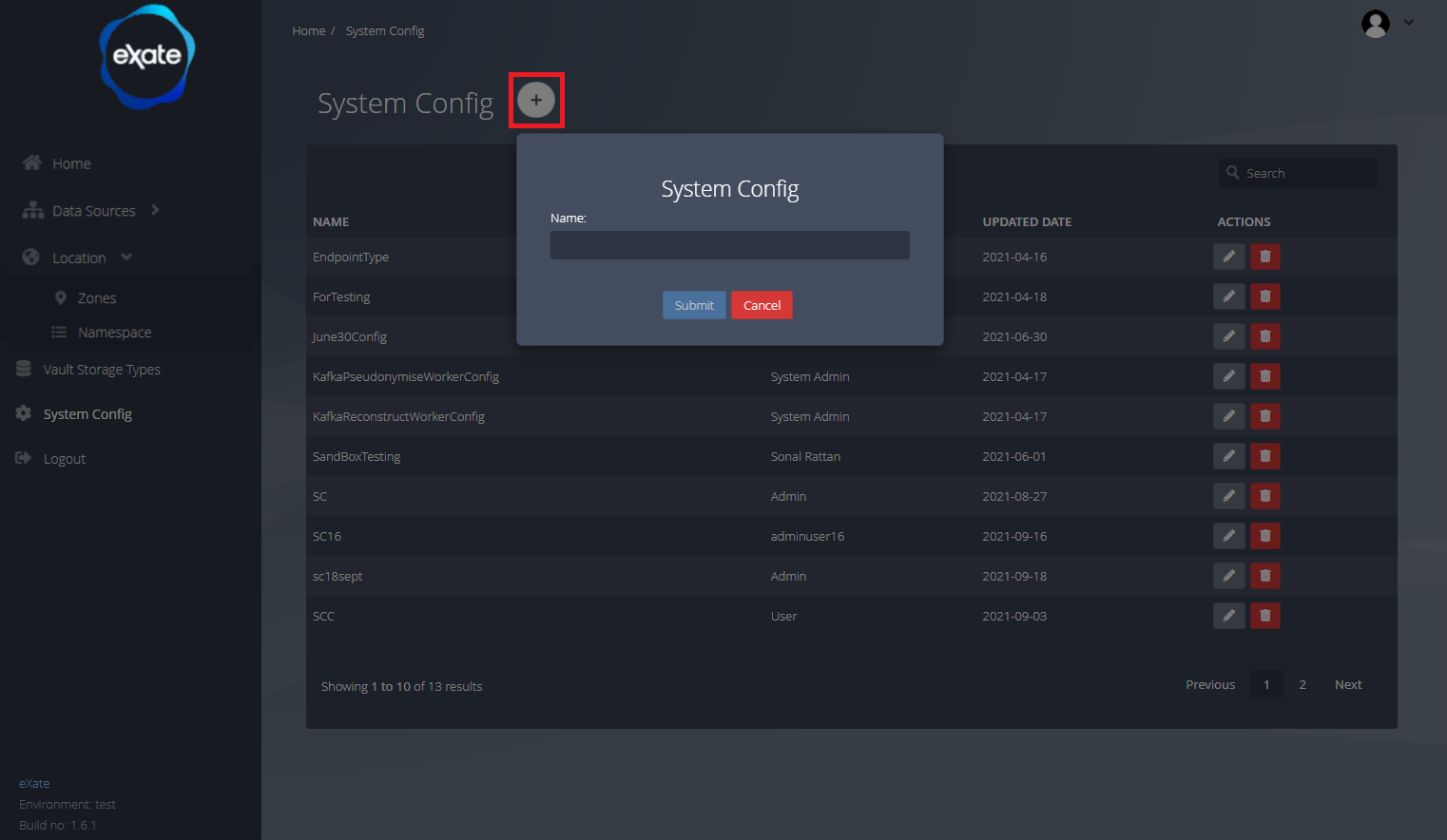
System Configuration stores key-value pairs used by the eXate system. To navigate to this page, click "System Config" on the left-hand menu. From here you can add, edit, and delete system configs.
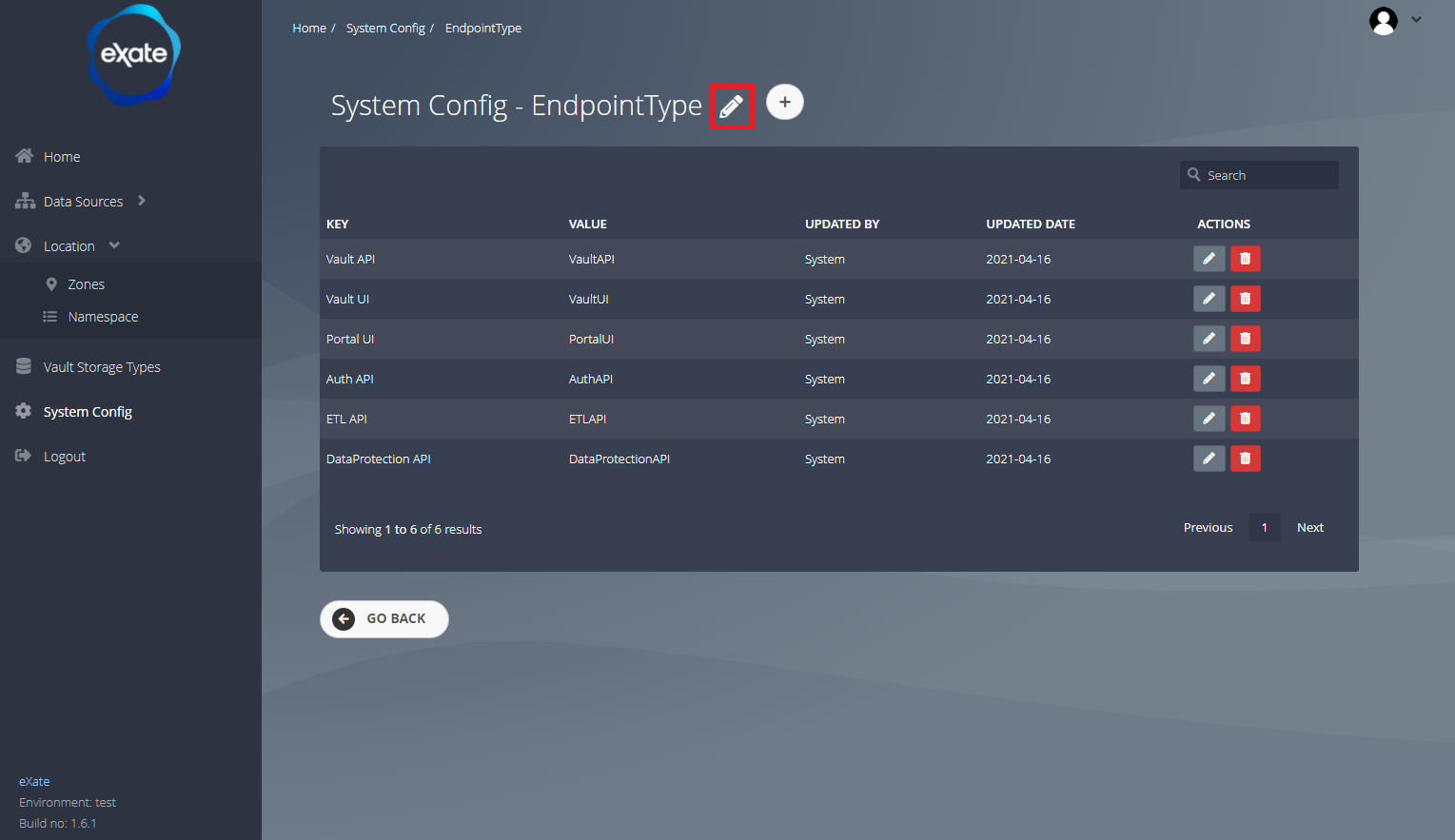
Edit System Configuration
Editing a system config takes you to the key and value pairs of the chosen configuration, where you can add, edit, and delete the config's values.
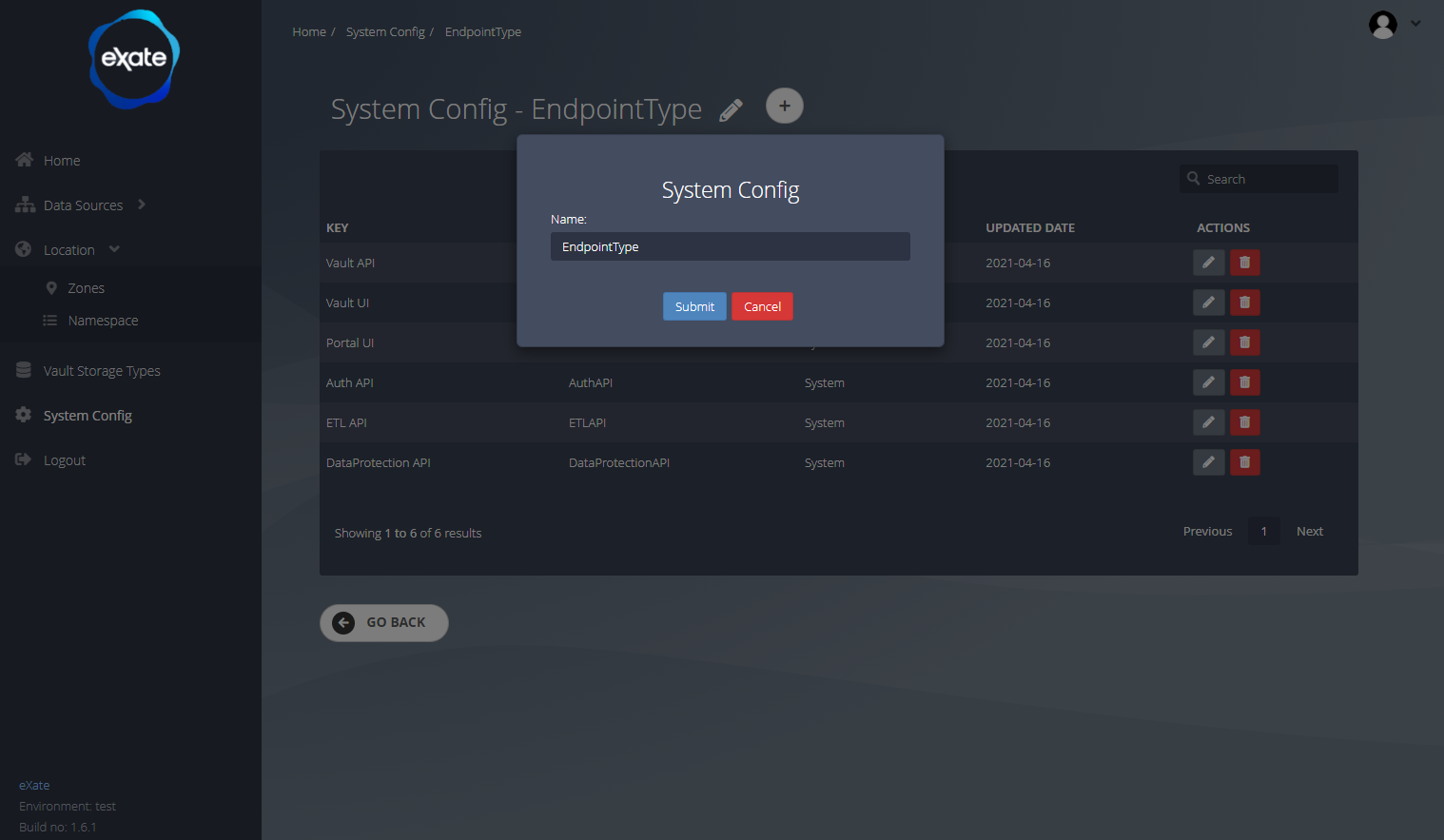
Edit the System Configuration Name
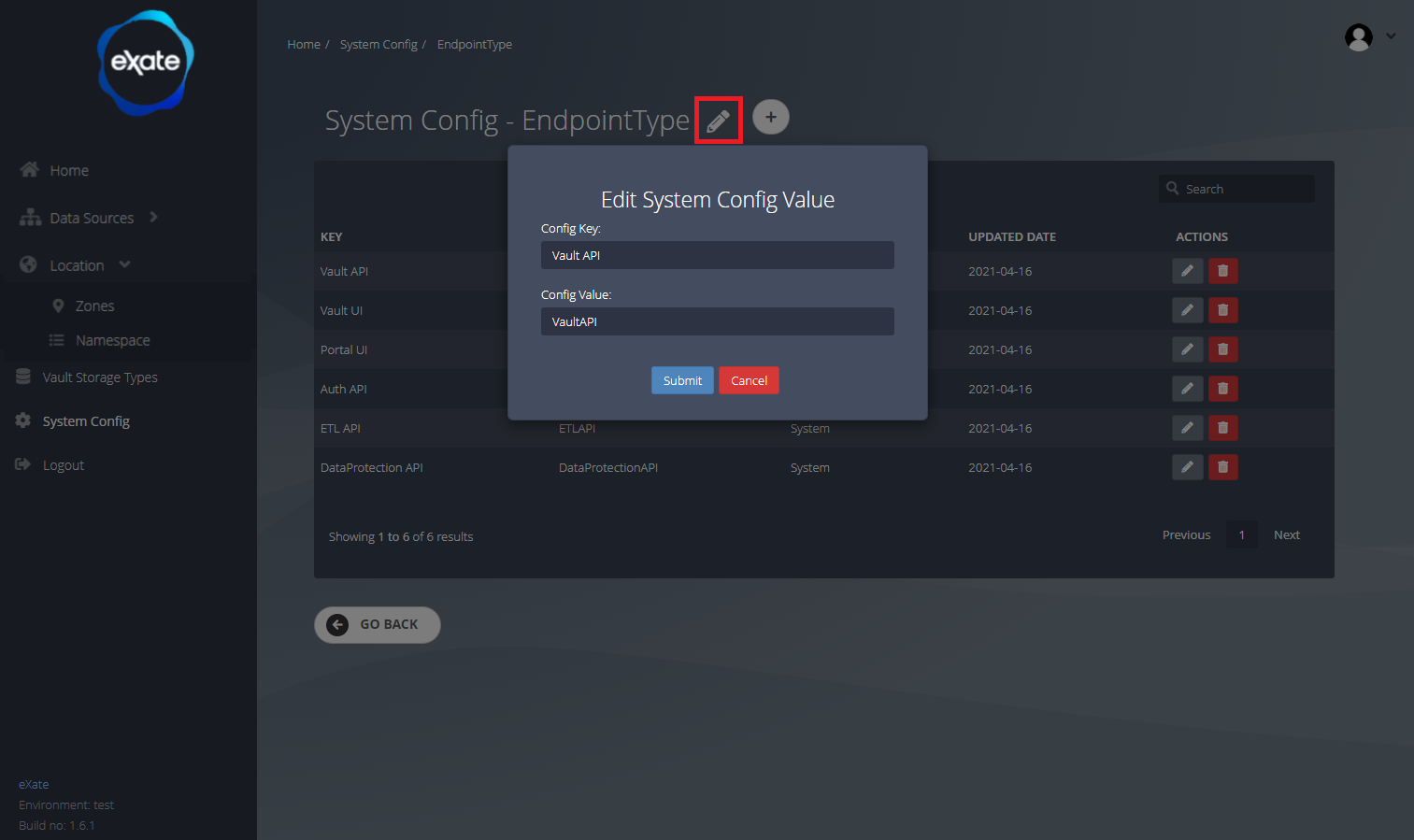
Edit the name of a system config by clicking the large pencil icon at the top of the page, then filling in the new name.
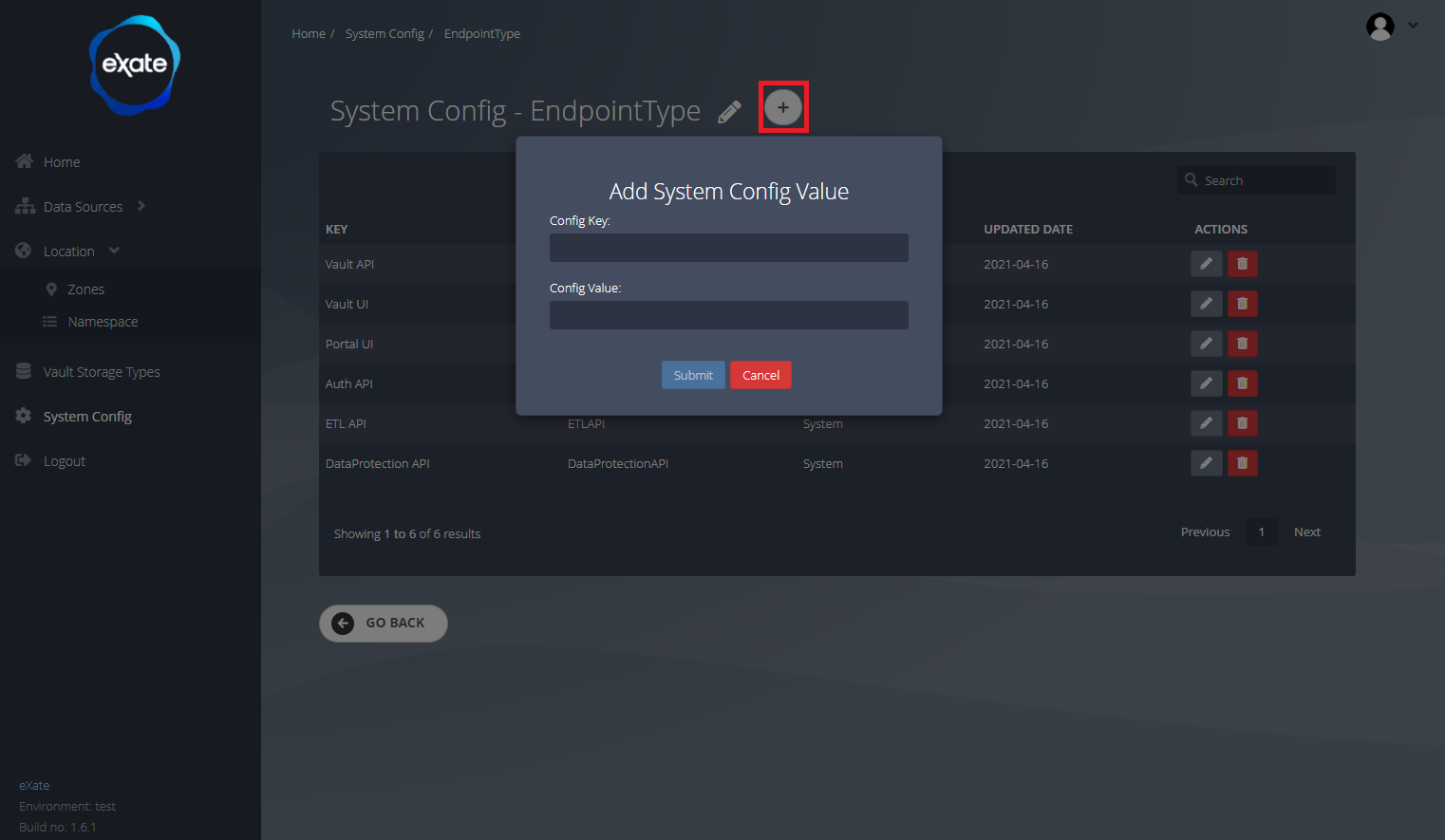
Add a System Configuration Record
Click the "+" icon to add a record, then fill in the key and value pair.
Edit a Record in the System Configuration
Click the pencil icon next to a record to edit the name of its key and value pair.
Add System Configuration
Click the large "+" icon, then fill in the name to create a new system config.
Example: Changing the Pseudonymisation Delimiter
By default, a pseudonymised value is returned as metadata, a delimiter, then the protected fragment. If a downstream system's validation rejects the default delimiter characters, you can override them here instead of changing the underlying protection.
- Create a System Configuration named
PseudonymiseDelimiter. - Add three records to it:
- StartIdentifier: the character(s) marking the start of the metadata portion. Leave empty for no start marker.
- EndIdentifier: the character(s) marking the end of the metadata portion. Leave empty for no end marker.
- SplitIdentifier: the character separating the metadata from the protected fragment itself. Defaults to a comma, change this if a comma breaks downstream validation.
- If you also need to pin or upgrade which protection handler version is used for pseudonymisation jobs, this is set separately under Protection Version, rather than as a System Configuration record.
This can also be done via the Management API, see the API Guide and the accompanying Postman collection's "System Configuration" folder for the equivalent requests.